


Release Note #6 (2026.06)
New Features
Section titled “New Features”Scan Queue
Section titled “Scan Queue”A new Scan Queue page brings active and queued scans into one place. Jump to it anytime from the “Scan Queue” menu in the sidebar.
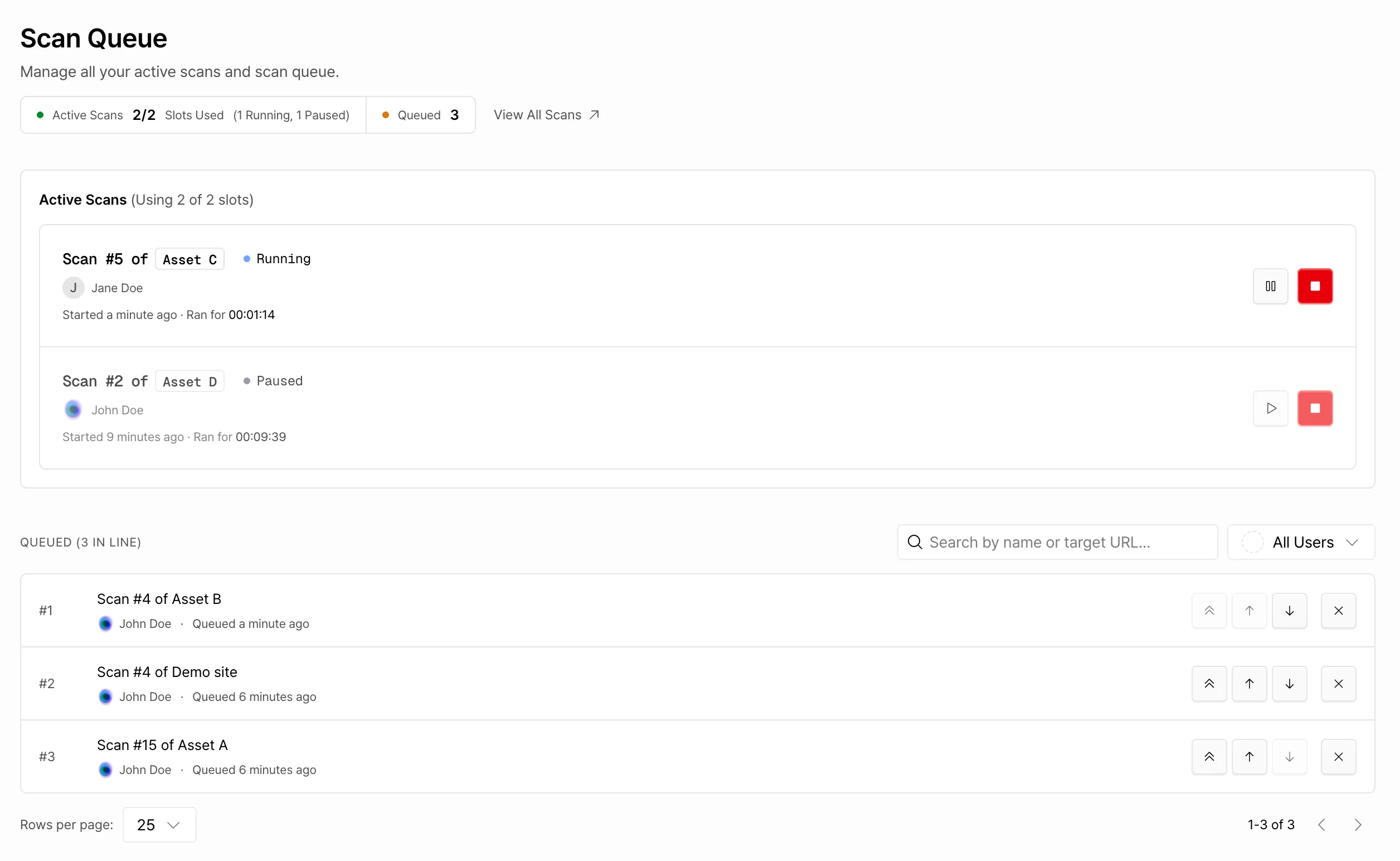
The active scan list shows every scan currently holding a slot, whether Running or Paused, and lets you pause a scan or stop it outright to free up that slot.
You can also reorder scans right from the queue. Need a scan to run sooner? Just move it to the top instead of clearing out every scan ahead of it.
For a full walkthrough, check out the Scan Queue document.
Report PDF: Standalone PoC Scripts
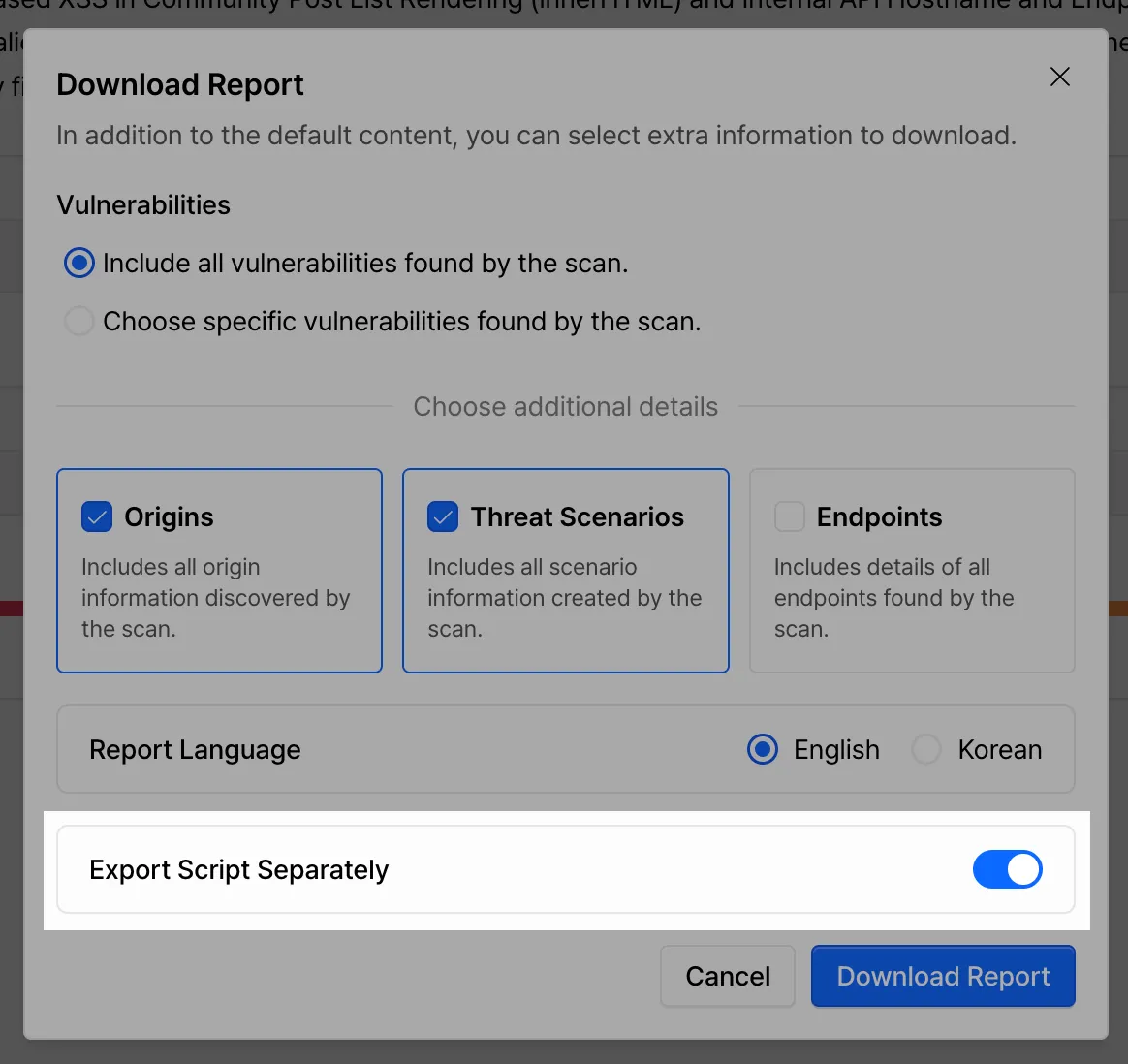
Section titled “Report PDF: Standalone PoC Scripts”When downloading a report PDF, you can now split out the PoC scripts included in each vulnerability’s details into separate Python files.
Other Updates
Section titled “Other Updates”Scan Audit Log Download
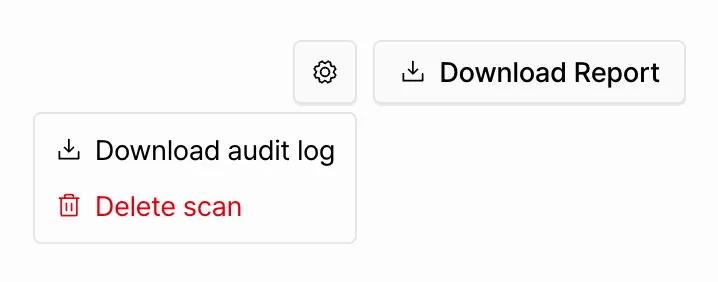
Section titled “Scan Audit Log Download”A download button has been added for the attack payload log from each scan. You’ll find it in the settings dropdown for any completed scan.
Finding Event Log
Section titled “Finding Event Log”The finding detail drawer now includes a log view at the bottom, tracking status changes like opened and merged.